Pre-Wedding Save-the-Date Video
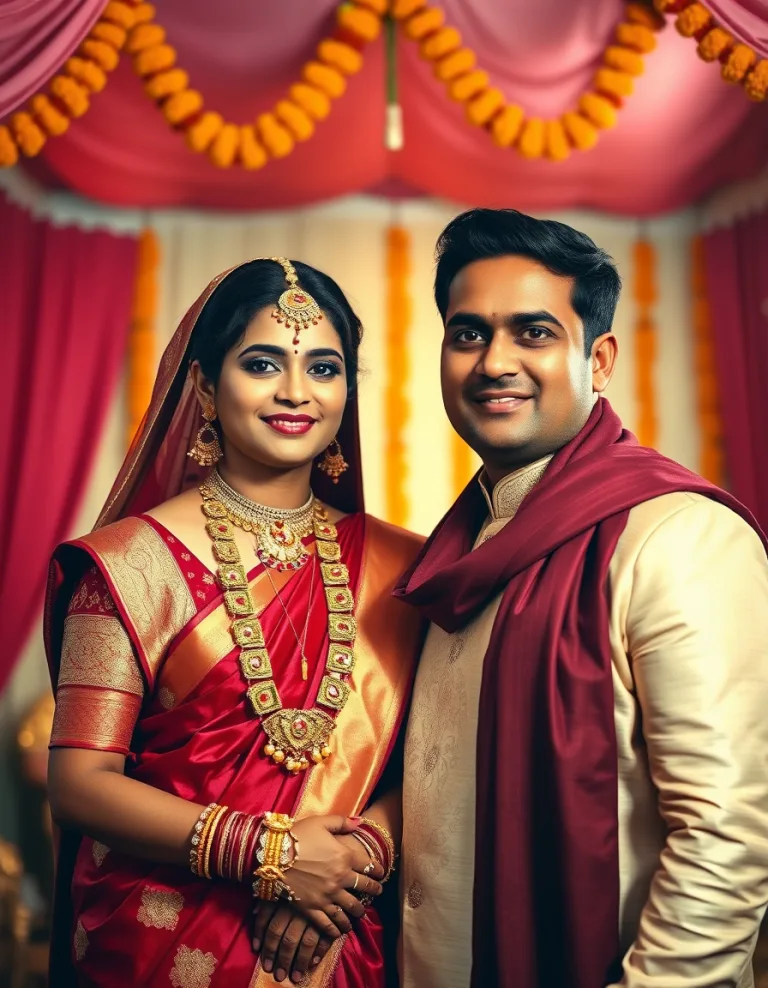
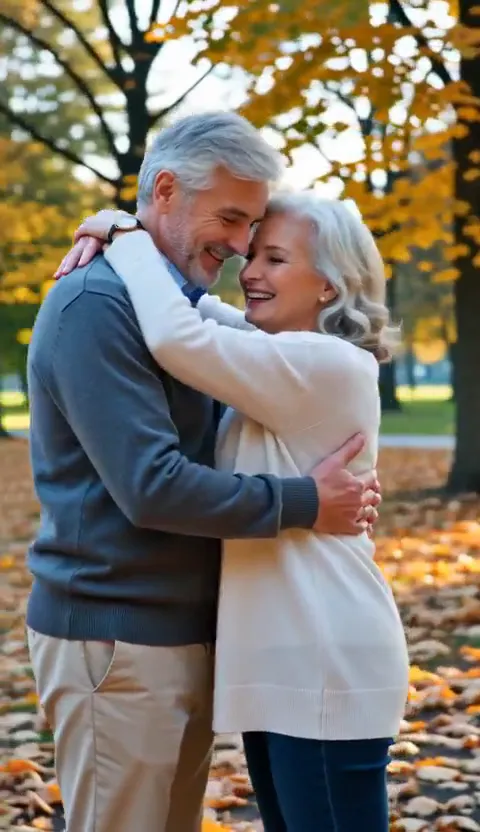
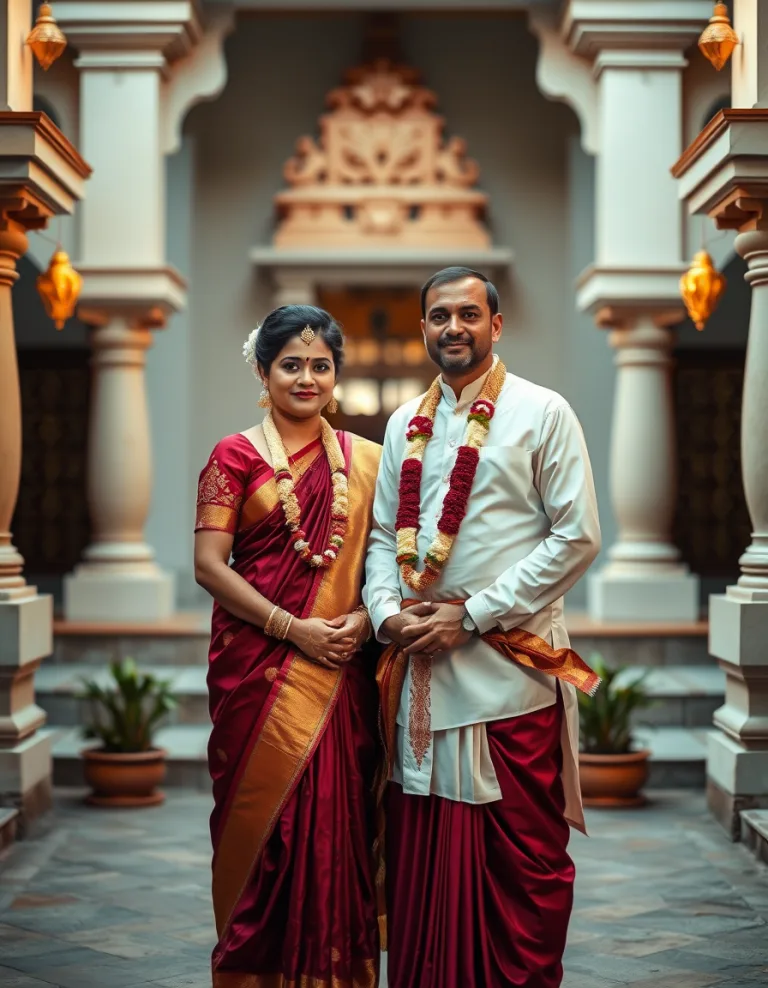
A cinematic pre-wedding save-the-date video of the couple with romantic golden-hour moments, ready to send to family and wedding guests.
How it works
- Upload your photo. Open the Pre-Wedding Save-the-Date Video template and upload a clear, well-lit photo of each person.
- Choose duration and quality. Pick how long the video should be and whether you want Lite, SD, HD or Pro quality. The credit price updates as you choose.
- Generate and download. Press Generate. Your video appears on the page when ready — download it or find it later in My Generations.
About Pre-Wedding Save-the-Date Video
Pre-Wedding Save-the-Date Video is made for the moments people actually want to celebrate — anniversaries, engagements, long-distance reunions and quiet everyday love. You start from a photo you already treasure and end with a keepsake worth replaying.
Love rarely announces itself in grand gestures. It lives in the photo taken on an ordinary Tuesday, the one neither of you remembers posing for. Turning that photo into a living moment is a way of saying: I noticed, I kept it, it mattered. Couples apart for work or study know this best — when you cannot be there for the anniversary, a video made from your favourite picture says what a text message never will.
“Life’s greatest happiness is to be convinced we are loved.”
“The best love stories are written in small moments, not big words.”
Ideas to try
- An anniversary surprise sent as a morning WhatsApp message
- A proposal or save-the-date post for Instagram
- A long-distance couple video when you cannot be together for the occasion
- A wedding-reel moment made from a favourite engagement photo
Frequently asked questions
Do I need any editing or design skills?
No. You pick the template, add your photo or idea, and the finished result comes back to you. There is nothing technical to learn.
What happens to the photos I upload?
Your upload is used only to create your result. Finished results live privately in My Generations on your account — nothing you make is published or shared by ModyPixl.
What file do I get at the end?
A standard MP4 video you can save to your phone or computer and post anywhere. You can also add optional background music or narration on supported templates.
Can I use a photo of someone else?
Only with their permission. You confirm before generating that you are 18 or older and have consent from everyone in the photo — see our Terms for the full policy.
Can I share the result on Instagram, WhatsApp or YouTube?
Not without permission from everyone in it. A kiss or embrace is intimate, so treat the result like a private photo of the people shown: perfect to send to your partner or keep as a keepsake. Posting it publicly — YouTube, Instagram, a WhatsApp status — is only allowed when every person depicted has agreed to that, and honestly, we recommend keeping these private even then. Sharing intimate content of someone without their agreement is harmful, illegal in most places, and a violation of our Terms.
How is this priced?
Generations use ModyPixl credits. Sign in to see the exact credit cost on this page before you generate — credits are only charged when a generation succeeds, and the Pricing page explains packs and memberships.
Create with care
- Only use photos of people who have given you their permission — a loving surprise still deserves consent.
- Never create romantic content involving minors, or anything meant to embarrass, deceive or harass someone.
- Do not generate content of public figures or strangers; keep it to your own people and your own moments.